
Uuendatud 18. veebruar 2026
Why I am automatically logged out of Portal?
Excellent Portal automatically logs the user out after a long period of inactivity to ensure the security of data and accounts. This helps prevent situations where the Portal is left open and some unauthorized user could gain access to sensitive company information. Automatic session expiration is a security mechanism in Excellent Portal and applies to all users regardless of their role or company.
Two minutes before automatic logout, a notification “Your session expires in …” is displayed to the user:
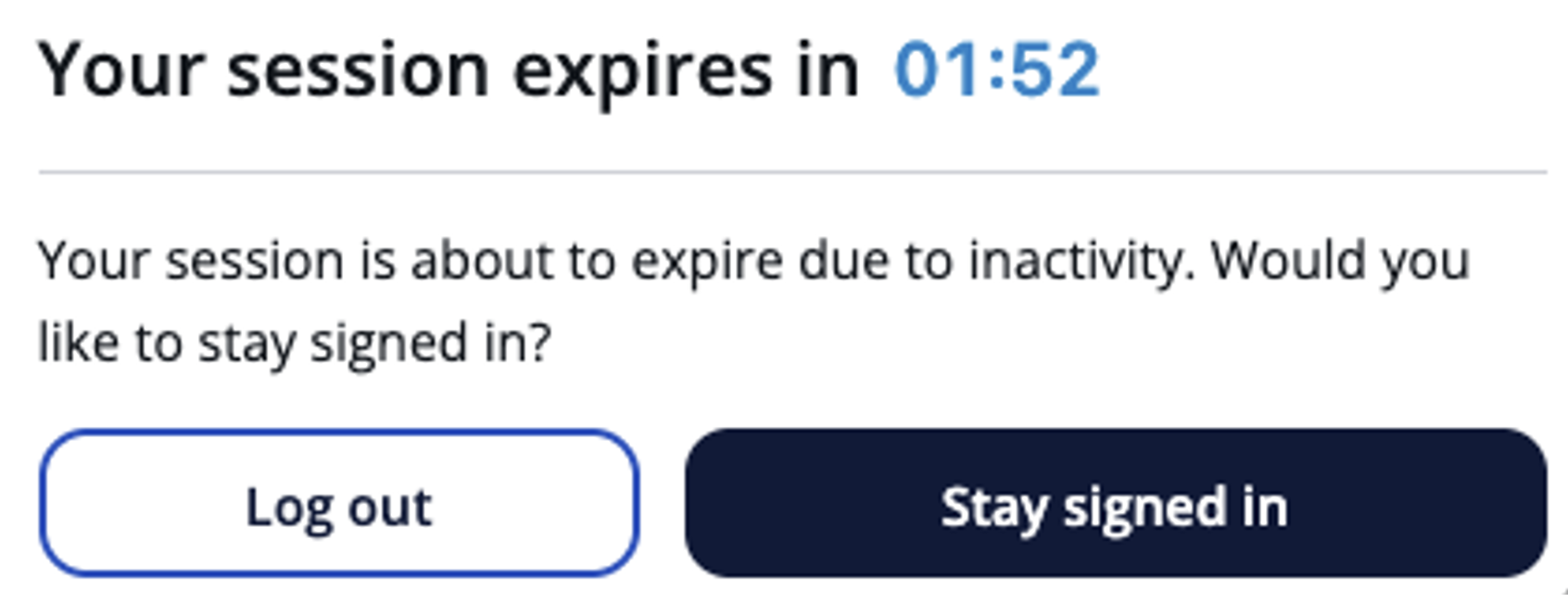
“Stay signed in” – refreshes your session and lets you continue working.
“Log out” – ends the session immediately and opens the login page.
If the timer reaches zero and the user has not selected whether they want to continue using the Portal or log out, the system will log the user automatically out of Excellent Portal and display the corresponding message “Your session has expired due to inactivity. Please log in again.“:
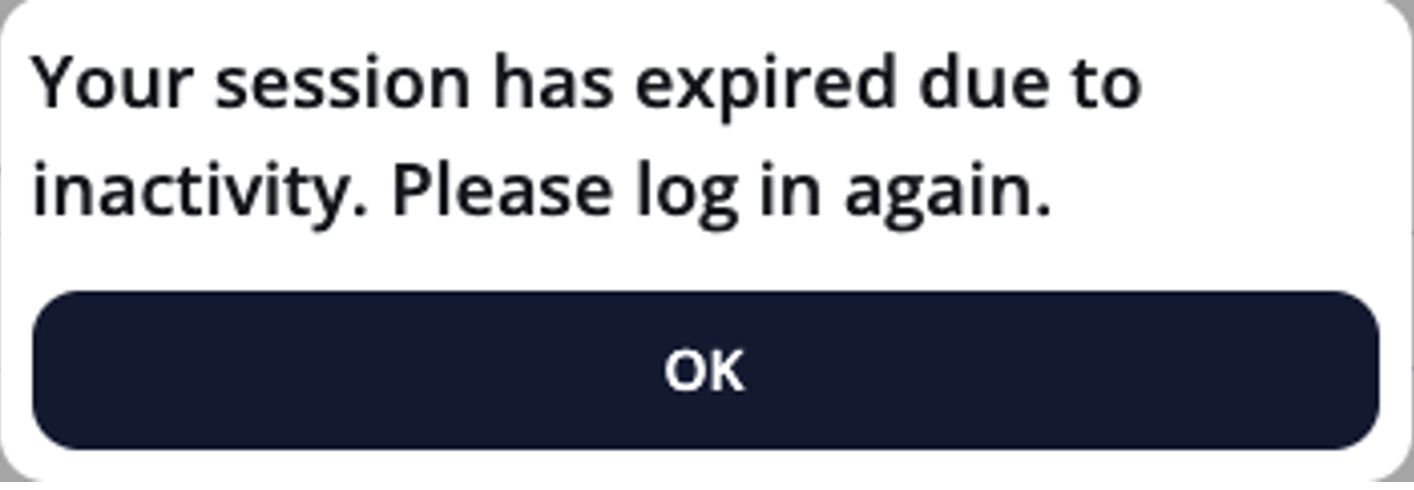
After clicking OK button, the user can log in to Portal again.